
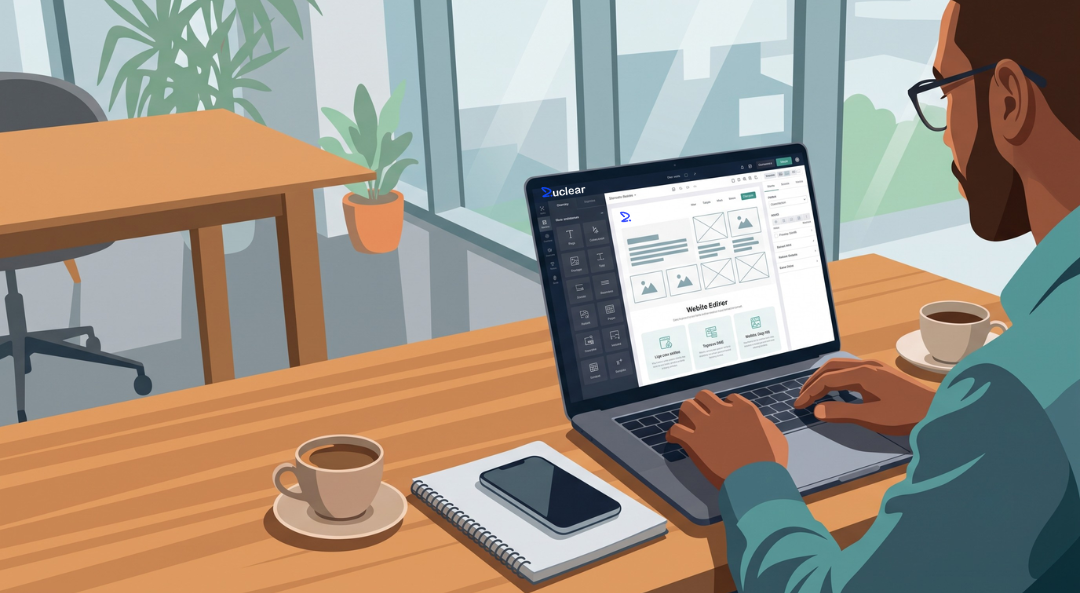
Every website starts with an idea. The biggest challenge is turning that idea into a something people can actually visit.
With Zuclear, you don’t need to learn code, switch between multiple platforms, or rebuild an existing project. Whether you’re generating a website with AI, launching form professionally design templates or hosting your own project, Zuclear provides everything you need to build and publish from a single platform.
This guide explores each workflow, explains when to use it, and walks you through the complete process, step by step.
In this guide
Create a website using AI
Launch from the Marketplace
Deploy your own project with Web Hosting
Choose the workflow that’s right for you
Not every website is built same way.
Some project begins with an idea and with AI, while others prefer a ready-made solution or complete control over their own code. Every person has their different requirements.
That’s why Zuclear offers multiple creation workflows, so you can choose the approach that fits your project instead of adopting your project to the platform.
Zuclear supports all three approaches.
• Build with AI
• Build from the Marketplace
• Host your own website
Choose your workflow that works best for you and start building.
Visit Zuclear website and create your account,
After creating your account, it’ll land you to your Zuclear dashboard.
Welcome to your dashboard!
This is your go-to-hub where you’ll easily manage website, domain to hosing, cloud services, and AI-Powered tools—all in one place.
In this guide we’ll going to focusing on how to setup your first website with the help of AI
To start building a new website, click on Generate Website with AI
Need a website but don’t know where to start? Build one with Zuclear AI. Simply describe your business, answer a few questions, and let AI generate a professional website in minutes.
Why you should choose this method
• AI-driven website layout
• Quick setup
• No coding skill needed
• Ready in just minute
Generate Your Website
To start building a new website, by click on Generate Website with AI.
Start describing your website ideas in a prompt and then Zuclear AI will ask a few quick questions to gather the information needed to create a website tailored to your requirements,
• Your business or project name
• Industry or category
• A short description
• Then type of website that you want to create
The more accurate your information, the better AI-generate website will be.
AI-generated website
Submitting all require details of your website, Zuclear’s AI-generates your website automatically.
Within a moment you will receive a professional designed website structure which includes layouts, sections and starter content based on your business.
Review layouts and content which are generated to ensure that it is aligns with your business before publishing.
Publish Your Website
Once you satisfy with the generated website, click publish to make it live.
Your website is now available online and shares it with your customers, client, or visitors.
If required, you can connect your custom domain during and after the publishing process.
Choose from professionally design website templates and launch your website faster.
Why choose this method?
• Ready-to-use website
• Professional designs
• Fast setup
Access the marketplace
After logging into Zuclear dashboard, go to the marketplace section.
Check out the available website templates sorted by category, industry or purpose.
Choose your template
Explore the selection of templates and find one that find one that matches your business or project.
Each template is designed to help you launch your website quickly while maintaining a professional purpose.
Deploy your template
Choose prefer template and deploy it to your account, Zuclear will already prepare the website based on the chosen template.
Publish your website
After deployment review your website and publish it when you’re ready to make it live.
Already have a website? Bring it to Zuclear
Deploy your existing website or web application without rebuilding it, simply choose a web hosting plan, upload your project, connect your domain, and launch you’re website with confidence.
Whether you’re migrating existing business website or deploying a custom application, Zuclear web hosting gives you the flexibility and infrastructure to get online quickly.
Why choose this method?
• Deploy exciting website with rebuilding it
• Support for custom website project
• Connect your own domain
• Reliable hosting infrastructure
• Design for developer, agency, and growing business
Choose a Web Hosting plan
Select Zuclear web hosting that matches your website’s requirements and complete your order.
Once your hosting service is activated, you’re hosting environment ready for development.
Upload your website
Upload your website file and custom project through your dashboard.
Zuclear support variety of website technology, making it easy to deploy your existing project.
Connect your Domain
Connect an existing domain or register a new one through Zuclear.
Your domain will automatically point to your hosted website once configured.
Launch your Website
After your website has been uploaded and your domain is connected, your website is ready to go live.
Visit your domain to very that everything is working as expected.
Every project has a different requirement, and there’s no single workflow that fits every user.
Whether you’re generating a website with AI, launching from the Marketplace, or deploying an existing project with Zuclear Web Hosting, choose the workout that best aligns with your project requirements.
Start building with Zuclear.



Zuclear uses powerful generative AI to transform how websites are built. Our cloud-based AI editor works alongside domain management, hosting, VPS, addons, and a vibrant marketplace — everything you need to launch your digital vision.
Copyright © 2026 Zuclear. All Rights Reserved.